Compatible with Chrome and Edge
Instruction Guide
We have a simple tutorial guide which explains the features of the software extension and what each button inside the extension does. Read our tutorial and welcome guide on how to use the extension to the fullest. Use all the features of this browser software.
If you are interested in other web extensions to install, you might wish to check out the Microsoft Bing Search with Rewards extension.
Microsoft Bing Search with Rewards Extension
It allows you to complete daily offers to get points.
Track the number of points you have currently and the rewards you can redeem with these points.
The ways to get points & get rewarded is search with Bing, browse with Microsoft Edge and shop at the Microsoft and Windows stores to earn rewards.
Sponsored Link:
Other useful extensions
Another extension which would be useful to install is the iCloud bookmarks extension.
It allows to keep your Chrome bookmarks on Windows synced up with the Safari bookmarks on your iPhone, iPad, and Mac.
iCloud will store your website bookmarks so it is accessible even on your iPhone and Mac.
Try these other two extensions and see if it will boost your daily productivity.
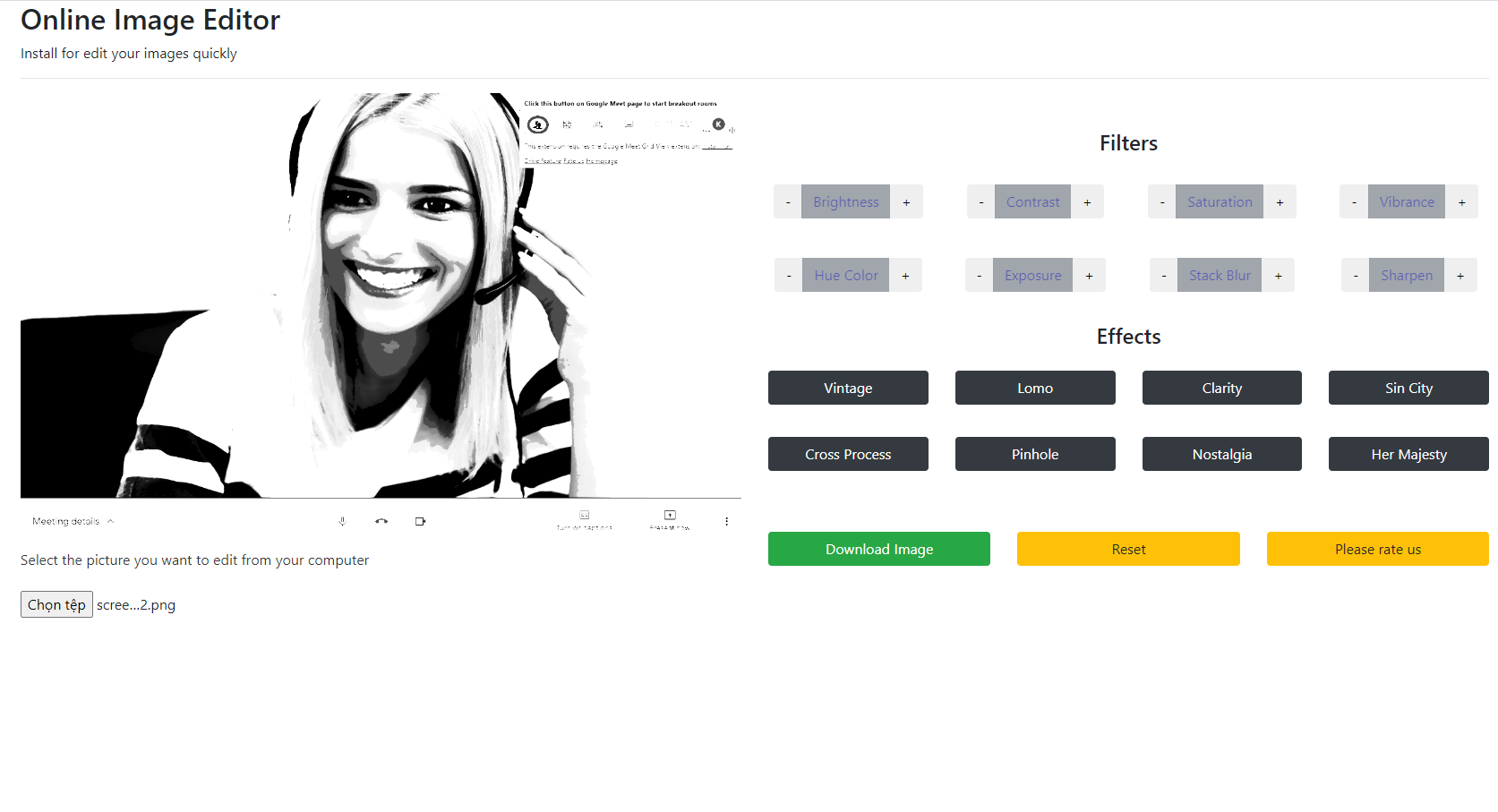
Edit your images online now with our free image editor. There are many useful features for our image editor which include - cropping your images, rotating your images, adding shapes onto your images, adding text to your images, making your images to be grey scale Try our image editor today and download your edited images to your Google Drive or your local computer.
Features:
Install and open.
- After installing the extension. You click on the extension icon to begin editing images.
If you want to edit your photos with a desktop image editor, you can do so with the following software below.
Here are some popular desktop image editors:
Photoshop is the most popular image editor, and it’s available for Mac and PC. It’s expensive, but worth it if you need professional-grade tools.
GIMP (or GNU Image Manipulation Program) is a free alternative to Photoshop that runs on Windows, Linux, and OS X. The interface looks very different from Photoshop, but GIMP has most of the same features and can even import files from Photoshop so you don’t have to start from scratch with your design work.
Sketch is a vector drawing tool designed for UI designers. It lets you create responsive layouts using simple shapes that can be resized without losing quality or resolution; this makes it easy to design mockups that look good on any screen size or resolution.
Inkscape is an open source vector graphics editor with capabilities similar to Illustrator, CorelDraw, Freehand, or Xara X—but without the price tag (it’s free!). Inkscape isn’t as intuitive as other programs, but if you like working with raw code or want more control over how things look onscreen than most other programs offer
Tutorial:
- Install the Extension
- After installing the extension, click on the icon on the toolbar.
Sponsored Link: